
Deactivating an account
Smarty accounts aren't ever deleted. Instead, they are either active or inactive. If you do not plan on using your account anymore, you just need to suspend your usage.
To deactivate your account, we recommend removing your credit card information if you had it saved on your account. To do this you should simply follow these steps:
-
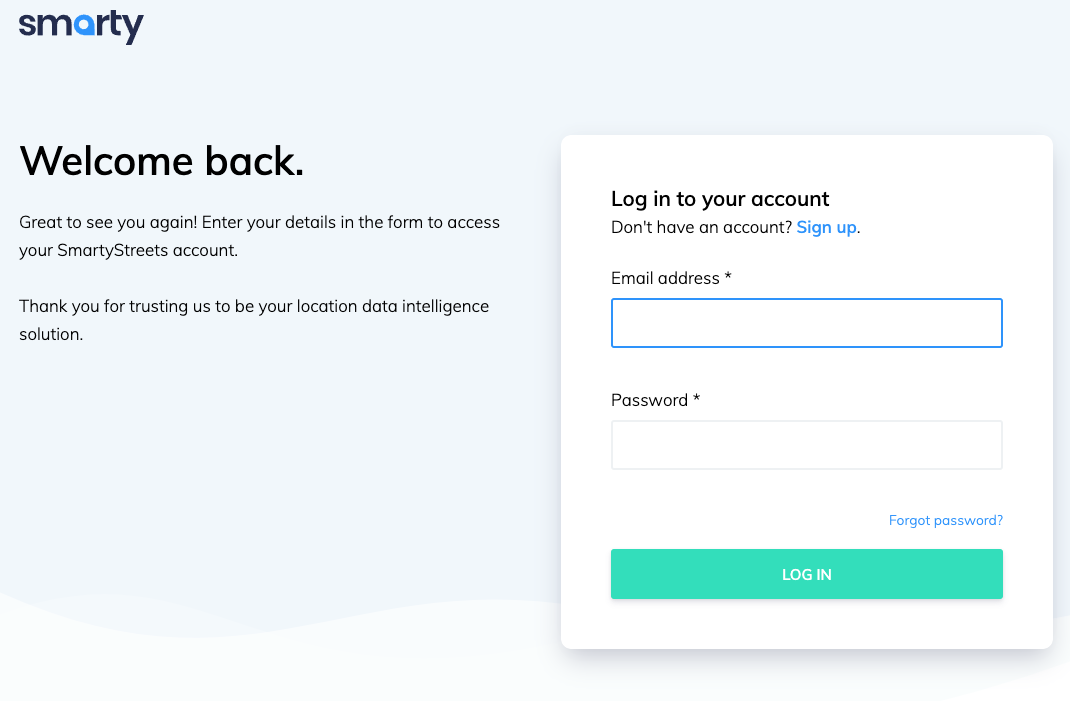
Log in to your account.
-
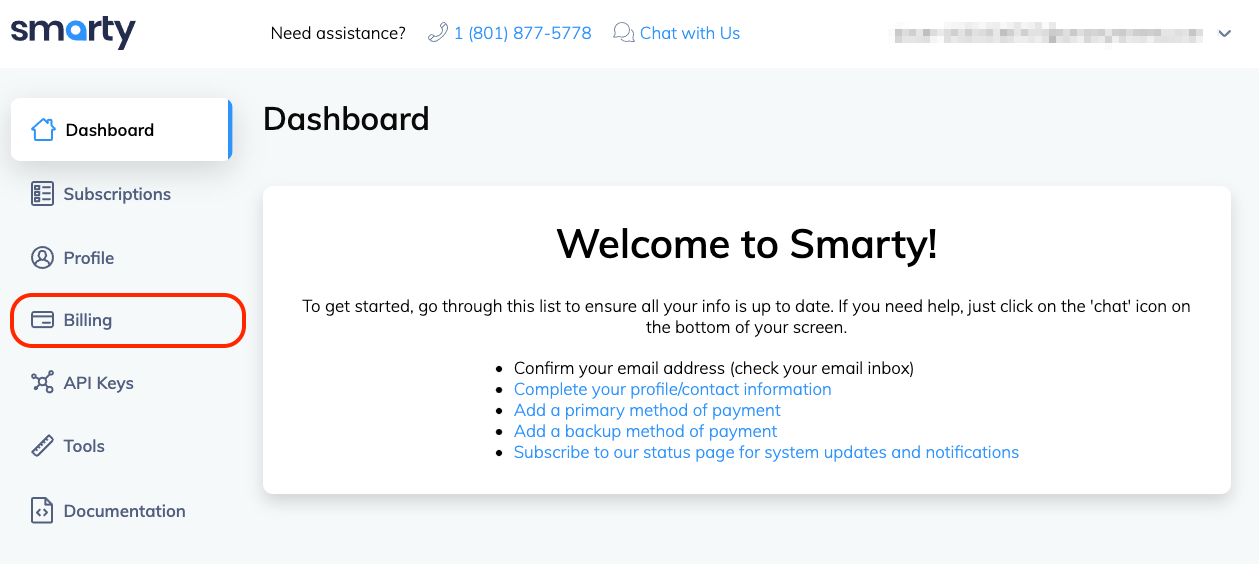
Click on "Billing" in the sidebar.
-
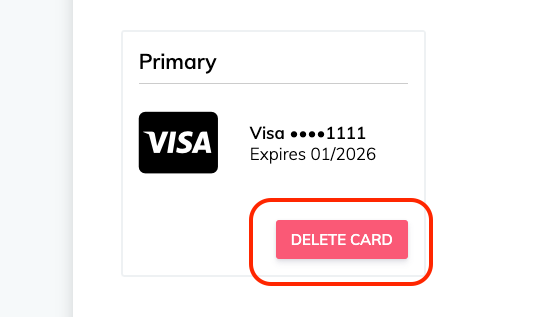
Click the red "DELETE CARD" button to remove your credit card information from your account.
This will prevent any further charges on the account.


Once your current plan runs out, your account will be dormant, ready to be awakened should you need it at some future point in time.
Was this helpful?